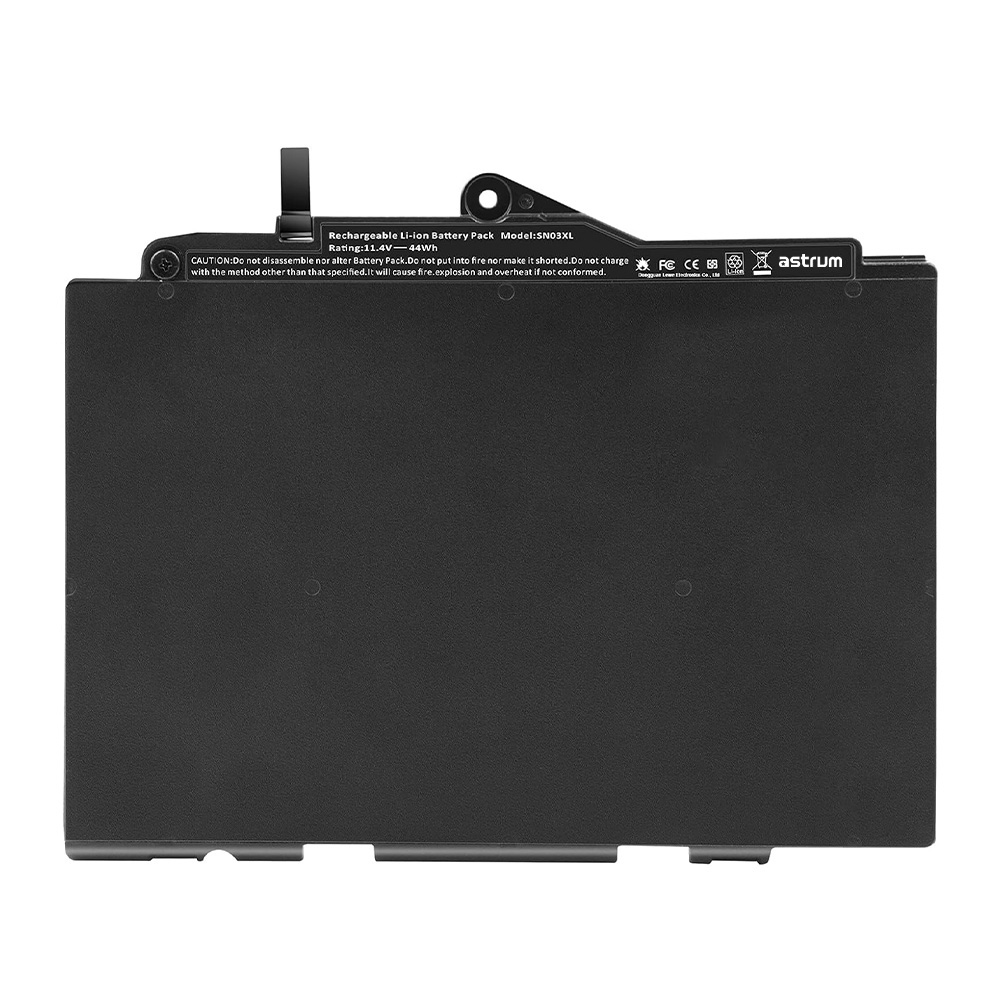
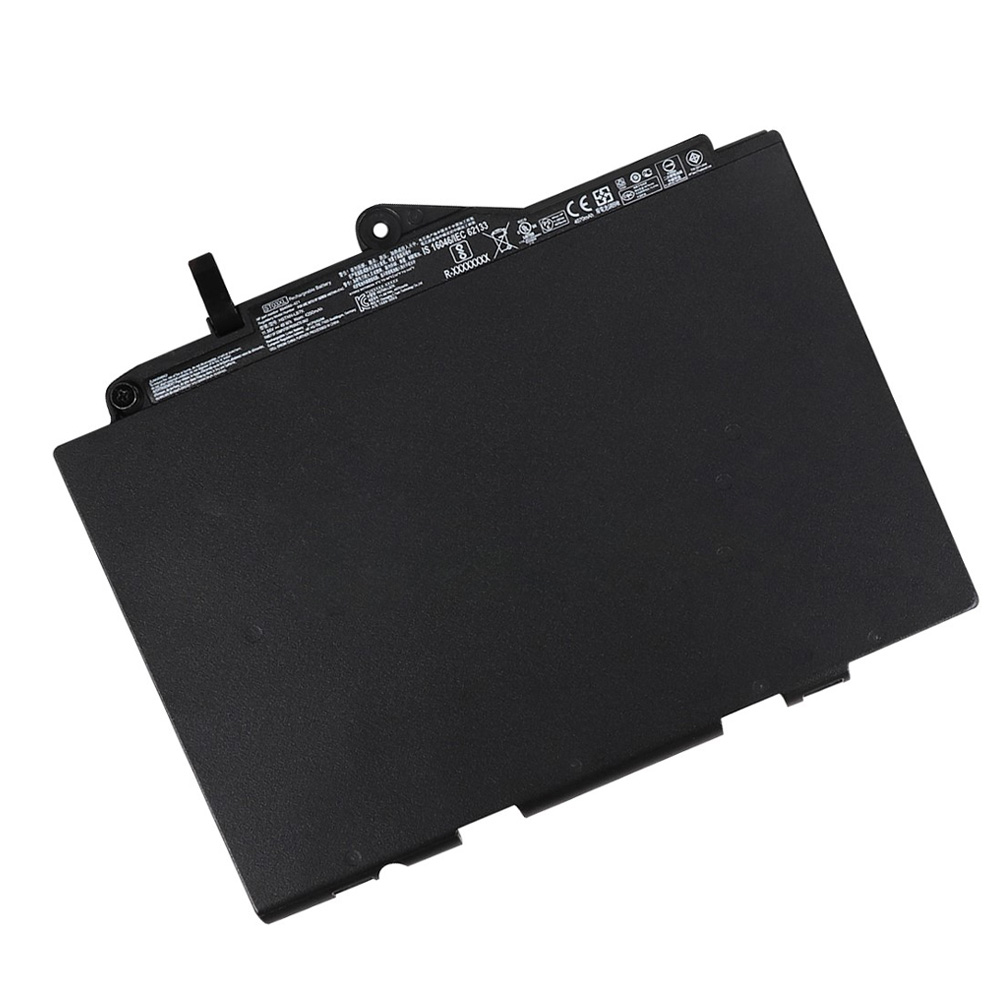
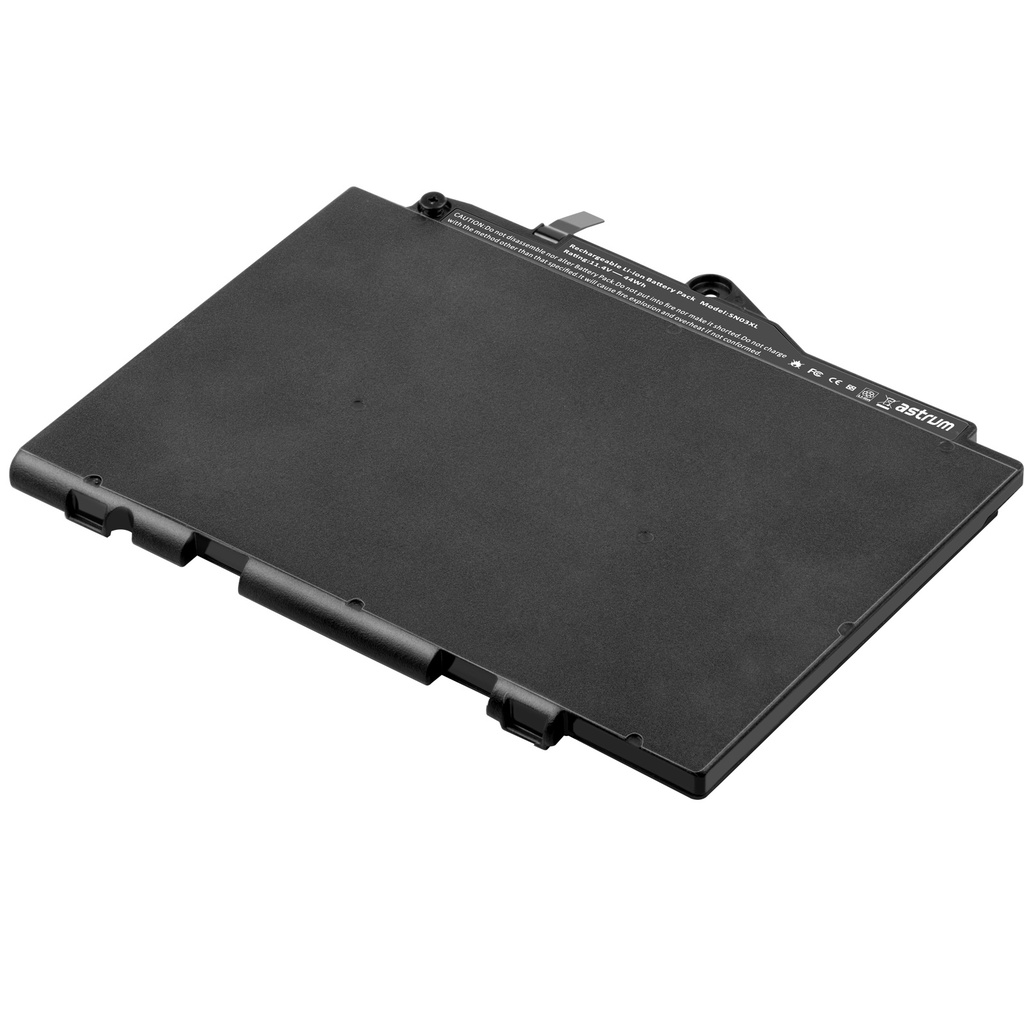
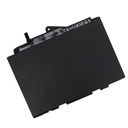
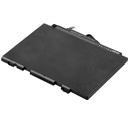
Astrum Replacement Battery for HP Pavilion 14-AL/AV Series – 11.55V 4000mAh Li-Polymer
SKU: ABT-HPSE03XL | 12-Month Warranty | High Capacity | Certified Safe
Extended Power for HP Pavilion 14 Series – Reliable Performance for Work and Play
Revitalize your HP Pavilion 14-AL/AV series laptop with the Astrum 11.55V 4000mAh Replacement Battery, engineered for seamless compatibility and extended runtime. Featuring Li-Polymer technology, CE/RoHS certifications, and advanced safety protections, this battery delivers dependable power for students, professionals, and everyday users.
🔥 Key Features
✔ High Capacity – 4000mAh for longer unplugged productivity and entertainment
✔ Universal Compatibility – Perfect fit for HP Pavilion 14-AL000/AV000 series and TPN-Q171 models
✔ Li-Polymer Technology – Lightweight, efficient, and resistant to memory effect
✔ Multi-Protection Circuit – Safeguards against overcharging, overheating, and short circuits
✔ Certified Safe – CE and RoHS certified for quality and environmental compliance
✔ Easy Installation – Drop-in replacement; no tools required
✔ 12-Month Warranty – Reliable performance with hassle-free support
📊 Technical Specifications
Feature Specification
Voltage 11.55V
Capacity 4000mAh
Chemistry Li-Polymer
Compatible Part No SE03XL, SE03041XL, HSTNN-LB7G, HSTNN-UB6Z, TPN-Q171, 849568-421, 849568-541, 849908-850, W7X91EA, W8Y43EA, W9T87EA, X3N08EA, X5Y99EA, Y7W94EA, Y8J60PA, Y8J73PA, Y8J74PA, Y8J75PA, Y8J76PA, Y8J77PA, Y8J78PA, Z1D17PA, Z1D21PA, Z1D23PA, Z1D24PA, Z3B03EA, Z3B04EA, Z3B05EA, Z4Q80PA, Z6Y32PA, Z6Y33PA, Z6Y34PA
Safety Certifications CE, RoHS
Protections Overcharge, overheat, short-circuit protection
✅ Compatible Model Numbers
HP Pavilion 14 Series:
14-AL001LA, 14-AL001NG, 14-AL003NG, 14-AL004NG, 14-AL005NG, 14-AL006NG, 14-AL007NG
14-AL027TX, 14-AL028TX, 14-AL029TX, 14-AL030TX, 14-AL067TX, 14-AL068TX, 14-AL069TX, 14-AL070TX, 14-AL071TX, 14-AL072TX
14-AV002LA, 14-AV003LA, 14-AV005LA
Note: Verify your laptop model and original battery part number before purchase.
🛠️ Installation & Maintenance Tips
Power Off – Shut down the laptop and disconnect the AC adapter.
Remove Old Battery – Slide the locking latch to release and remove the old battery.
Insert New Battery – Align and slide the Astrum battery into place until it clicks.
Initial Charge – Charge fully before first use for optimal performance.
Maximize Lifespan – Avoid extreme temperatures; perform full discharge cycles monthly.
📦 What’s Included
1 × Astrum 11.55V 4000mAh Battery
1 × User Manual (with safety guidelines)
"Power your day—backed by a 12-month warranty!"